AI Image Recognition - PC
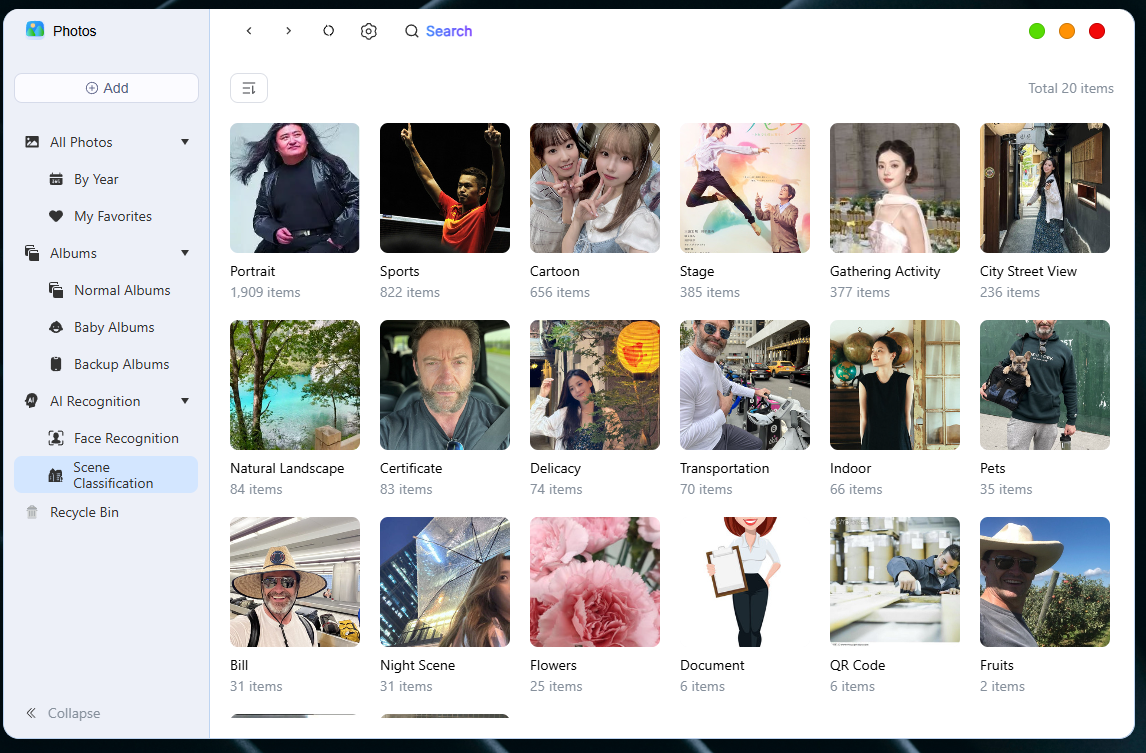
There are mainly two major modules, namely face recognition and scene classification
AI Function Settings
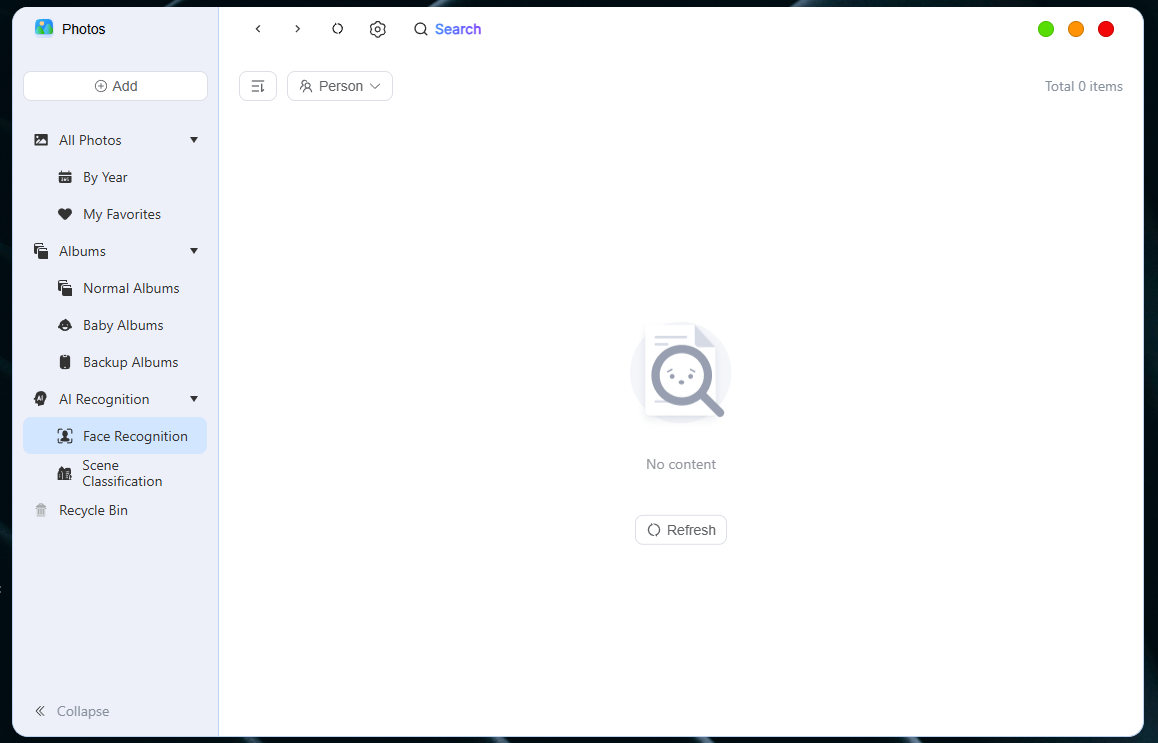
To use the AI features, you need to enable them first. In the "Gallery" app, tap the **"Settings" **button in the top menu bar to enter the **"AI Feature Settings" **page, then turn on Face Recognition and AI Scene Recognition.
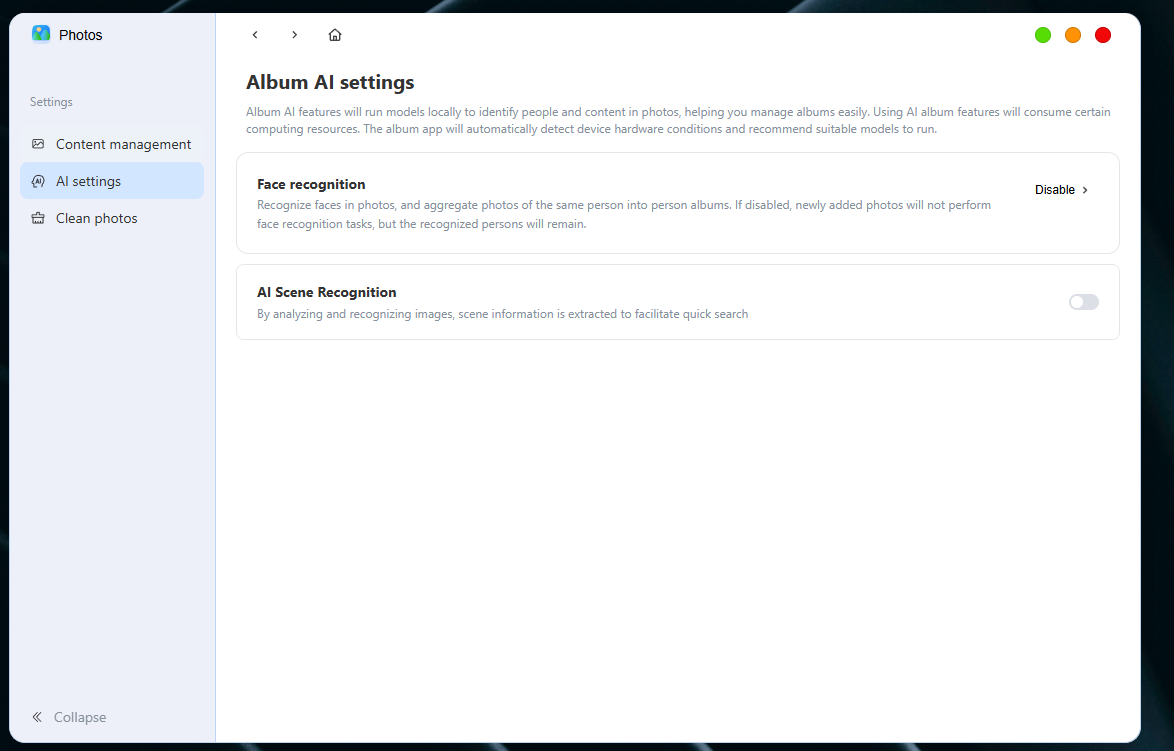
Face recognition allows you to set whether to automatically hide the task album and re-calculate the face button
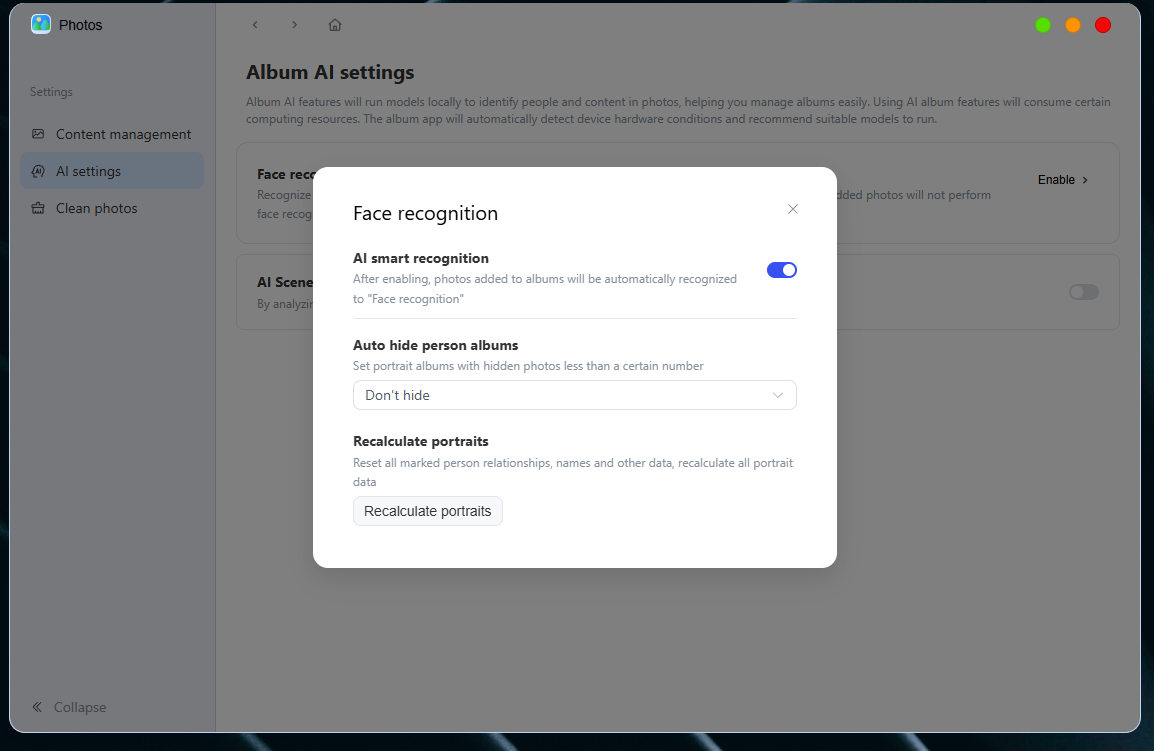
Face Recognition
Function Description:
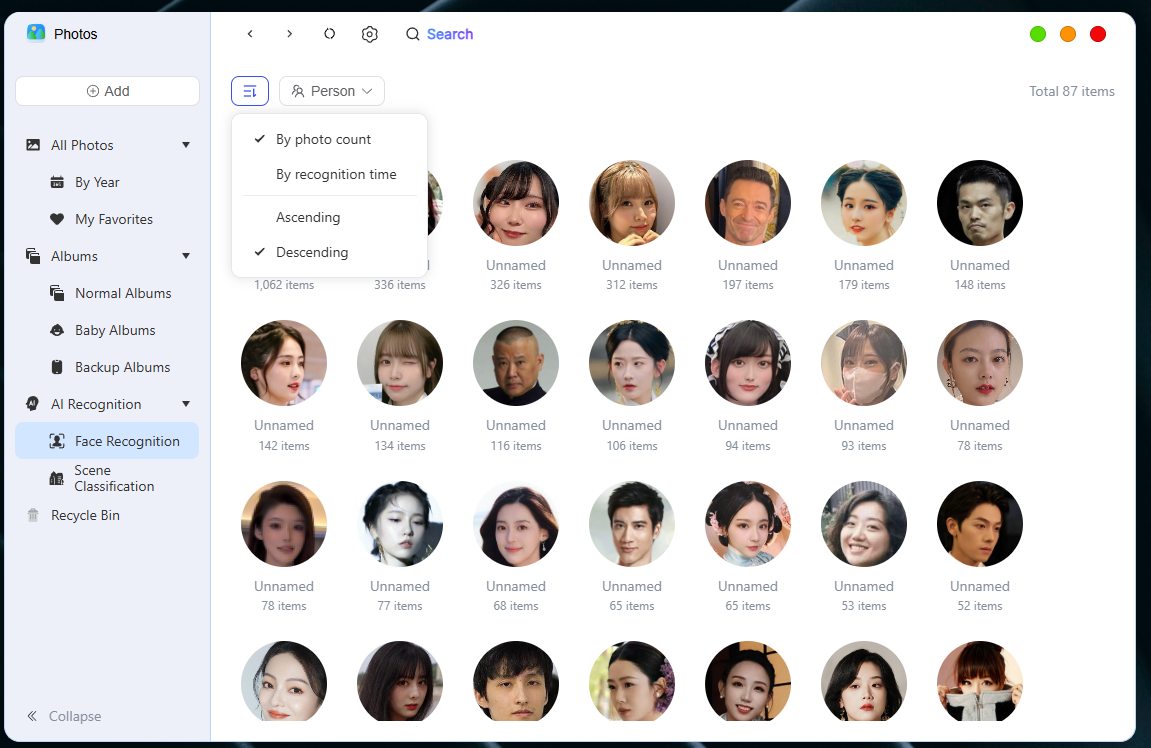
① Sorting Function
In folder view mode, you can click the **sort icon **in the upper left corner to sort photos and videos, quickly locate specific content or organize your photos. This includes:
● Sort by number of photos (Ascending/Descending)
● Sort by identification time (Ascending/Descending)
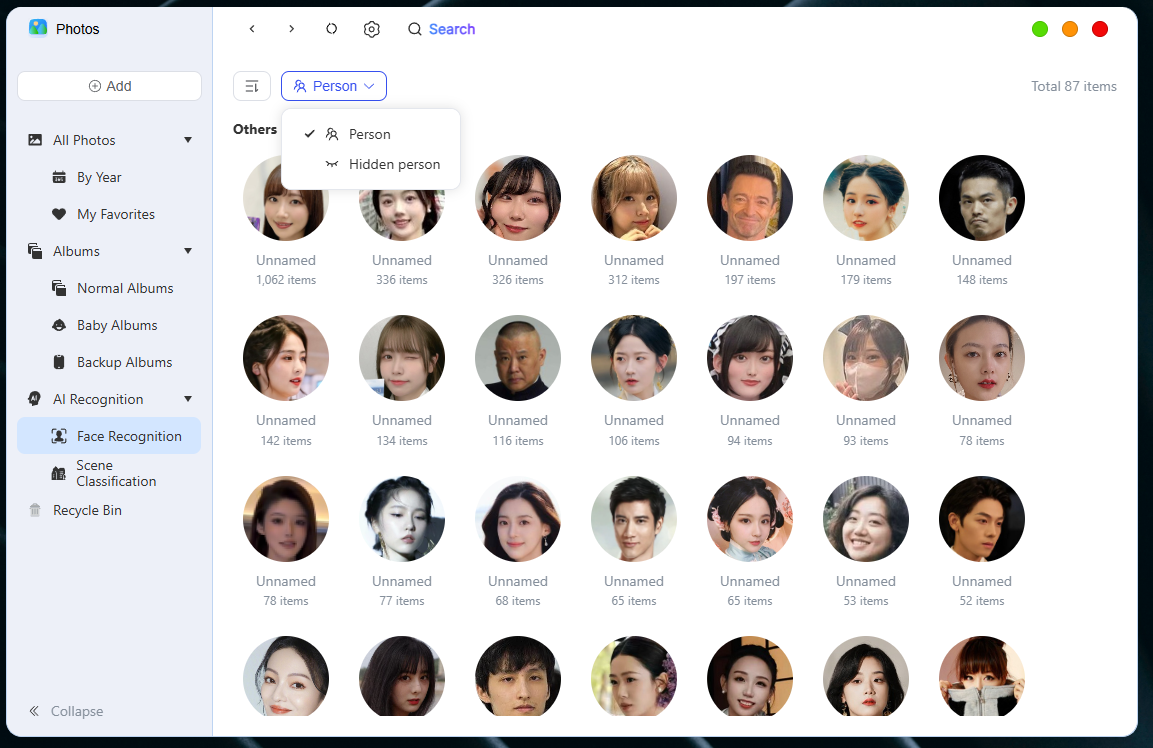
② Filter Function
Whether it is a hidden task to filter
③ View details
1. Rename the photo album
Click on the name next to the profile picture to rename the album
2. Sorting Function
In folder view mode, you can click the **sort icon **in the upper left corner to sort photos and videos, quickly locate specific content or organize your photos. This includes:
● Sort by shooting time (newest first / oldest first)
3. Information Display
Each thumbnail supports the display of additional information, including:
● File Name
Is the document what I like?
4. Filter Function
The filtering function helps you quickly find photos and videos. The following are the supported filter options:
- File Type
You can choose to view all files, or only view videos, only view photos, only view Live Photos, only view GIFs, only view RAW files, or only view panoramic photos.
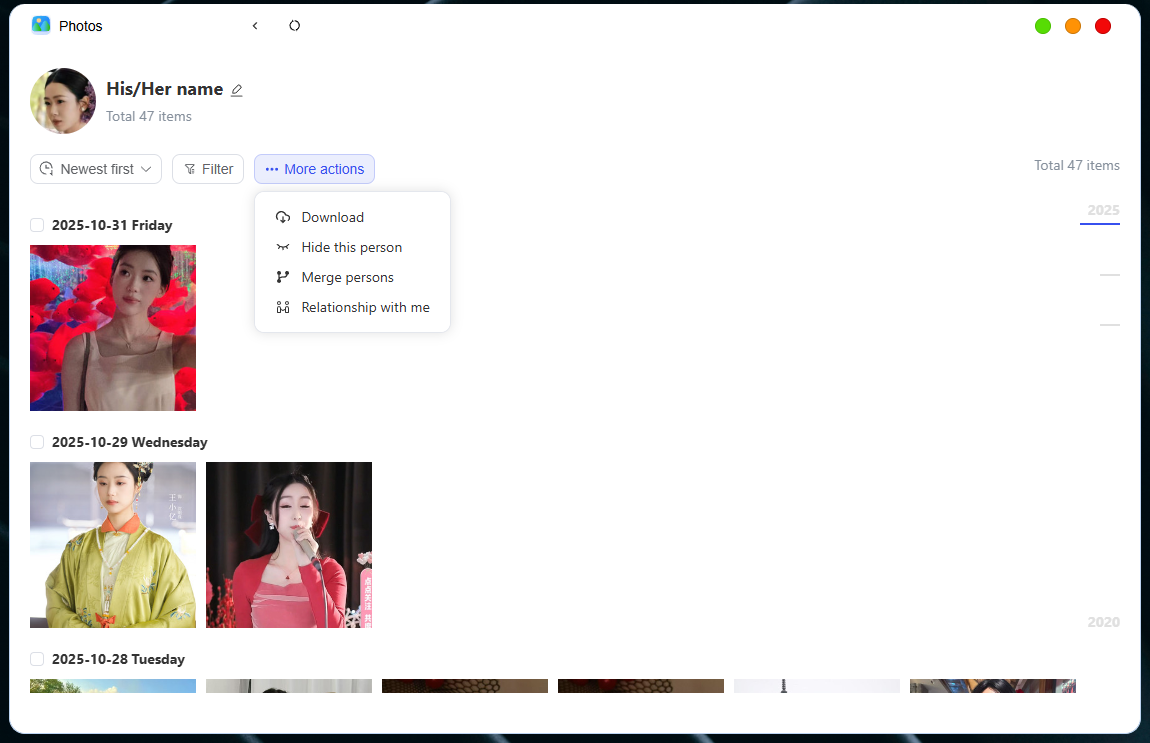
5. "···More Actions" Button
Download: Download the content of this album to your local computer
Hide this person: Once selected for hiding, their photos will no longer appear in the portrait list, and the photos themselves will not be deleted. You can restore them in the hidden portrait list.
Merge Person: Select the album to merge with the current person; once merged, the items cannot be split apart.
Relationship to me: You can select options including yourself, family members, partners, friends, classmates, colleagues and other relationships to facilitate distinguishing the current album.
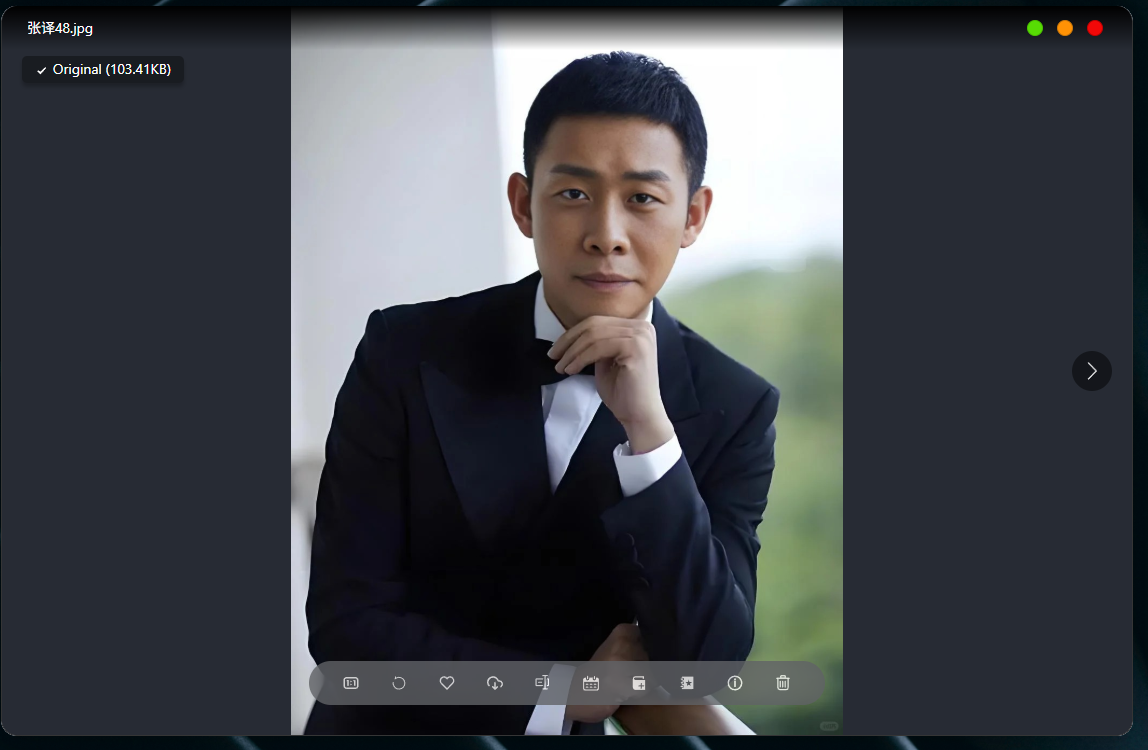
6. Set album cover
In the of the image details page, you can use the button there to set this image as the cover of the current photo album.
Scene Classification
By analyzing and recognizing images, the scene information of the images is extracted therefrom to facilitate quick search